


Content Creator & 3D Product Configurator

3D Product Configurator and AR Viewer for Your Webshop

Create lifelike visuals and immersive experiences that make shopping fun, shorten the purchasing decision, and significantly reduce returns. With Vulp Studio, you can create and manage all your 3D product content in one place, and easily integrate it into your webshop or website. Start today and see the difference it makes for your business.
Contact us
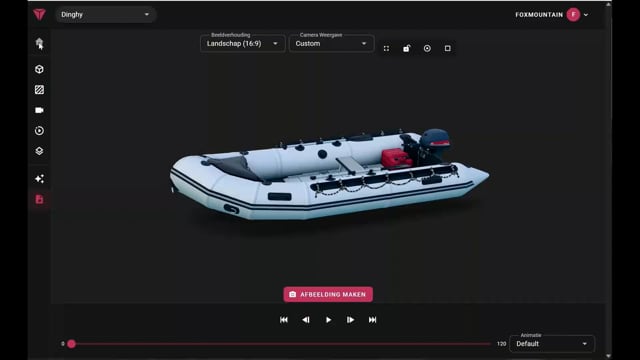
Vulp showreel: interactive 3D product visualisation in a webshop
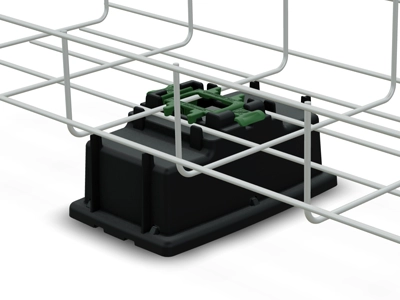
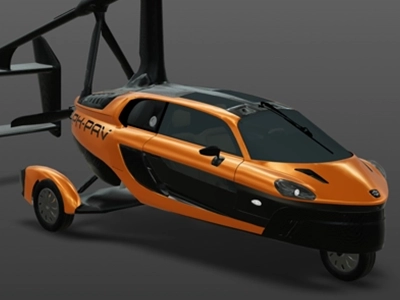
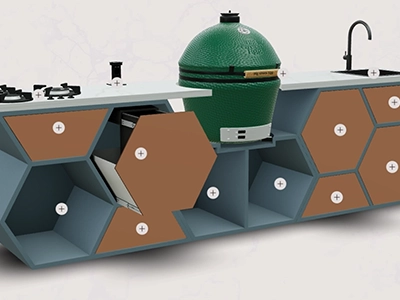
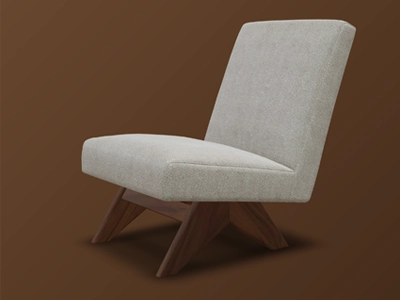
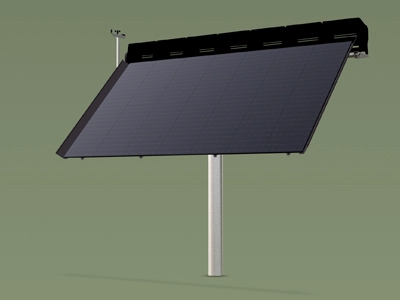
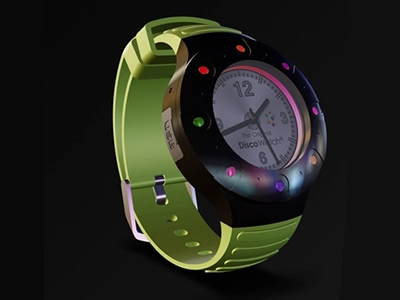
Franke 24/7 Energie Proox Pal-V Detjer Hive Kitchens Veolia PVX Multimount Lagoo Tru-Trac
What we offer

Explore our platform or the solutions

3D Product Configurator

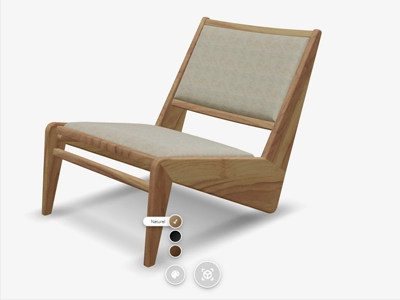
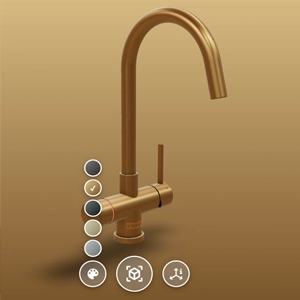
Effortlessly configure your product with our user-friendly 3D product configurator. You can easily adjust colors, materials, and options with just a few clicks. No physical stock is needed to show all variants, because every option is instantly available.

360 Degree Viewer with Augmented Reality



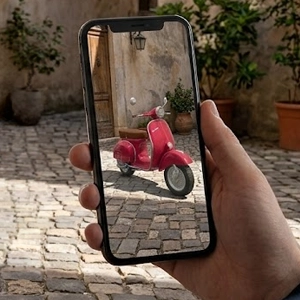
Let customers explore your product from every angle and place it in their own space with Augmented Reality. This creates a more immersive shopping experience, strengthens product confidence, and accelerates purchase decisions.

Content Creator

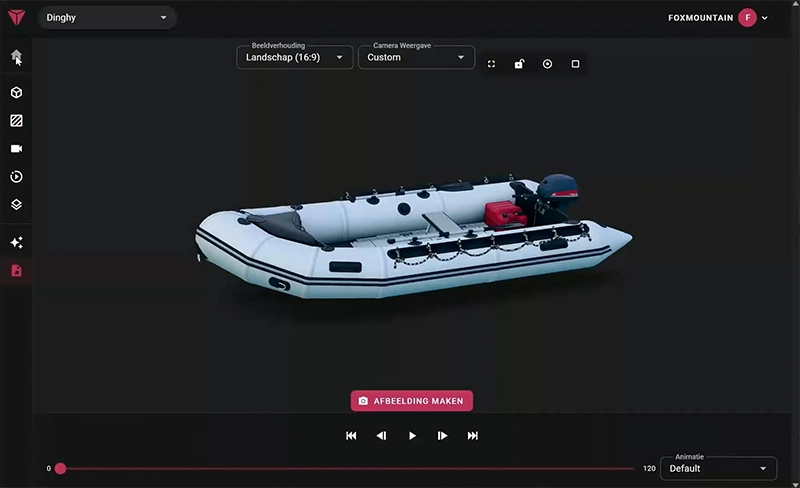
Generate product images from every angle, straight from your 3D model, create beautiful AI impressions, and produce social videos from one source of truth.
How it works

From one 3D model to all your visual content and interactive product experiences

Proven results

The numbers behind 3D and AR

Independent industry and academic research into what 3D and AR do for online sales.
94% higher conversion for products with 3D or AR content than for products without. Shopify
74% of consumers expect augmented reality to become more important in their lives. Deloitte Digital
360° rotatable product images produce stronger purchase intention than flat photos. Journal of Retailing and Consumer Services
#1 driver of purchase intention: an experience that helps people choose, not just look. PLOS ONE
What's included

The 3D configurator for every webshop and manufacturer

Viewer

  • View product from every side
  • Augmented Reality
  • Realistic Materials, Shadow, and Lighting
  • 3D Animation and Interaction
  • Textual Hotspots

Configurator

  • Configurable Product Variations
  • Customizable Product Colors
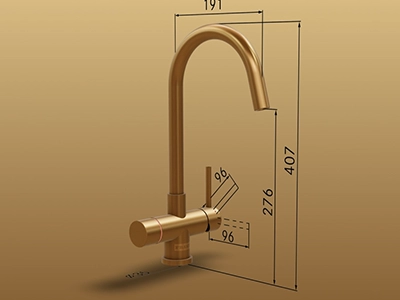
  • Dimensions and Specifications
  • Fully Customizable
  • Intuitive User-Friendly Interface

Technical

  • Integrable in any webshop/website
  • No App Required
  • API
  • Multilingual
  • Extensive Documentation and Support
From table configurator to 3D manual, discover all solutions

Sidebar configurator

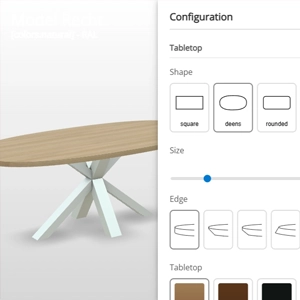
Products with dozens of possible combinations, such as shape, edge, colour, base and size, are hard to show in a regular webshop. Customers are left guessing which combination is possible, or have to contact customer service to find out. The sidebar configurator puts every choice next to the 3D product, so each combination is visible right away, matching the underlying product configuration itself. Because customers see every option on the 3D product before ordering, there’s less guesswork, and less risk of an order not matching what they expected.

Example: building a dining table

For a table, the sidebar configurator works as a full dining table configurator. Here is how configuring a dining table with this table configurator works, following the live demo above.

Dining table configurator: choosing shape, edge and colour in the sidebar

Options in the sidebar

The customer first picks the shape of the tabletop, followed by the edge finish. Next comes the colour of the tabletop and, through a RAL colour picker, the colour of the base. Every choice sits in the sidebar as a separate option, so the customer never loses track between the shape, edge, colour and base options. Because each option has its own place in the sidebar, it stays clear at a glance exactly what’s been chosen, even for a table with dozens of possible variants.

Instantly visible in 3D

Every choice made in the sidebar is applied to the 3D model immediately, without reloading the page, so the customer sees exactly what they are ordering before the configuration is even finished. The result can be viewed in 360 degrees and placed at actual size in the customer’s own space through augmented reality, for example to check whether the table’s size and colour fit the rest of the dining room. Once finished, the configuration can be shared with a single link, so a customer can run the chosen table past a partner before ordering. The same approach is also used in the furniture industry, for cabinets and seating with many variants.

Configurator types

When to choose the sidebar configurator

This configurator is one of four configurator types Vulp offers, and it is the right fit whenever a product has many separate options that a customer needs to compare in one overview. The other three configurator types are built for different situations.

Sidebar configurator Many separate options in fixed categories, with every choice visible in one overview. Ideal for products such as tables with multiple shape, edge, colour and base options.
Personalization configurator Puts the focus on the product itself. Customers personalise through hotspots directly on the 3D model, with fewer options than the sidebar.
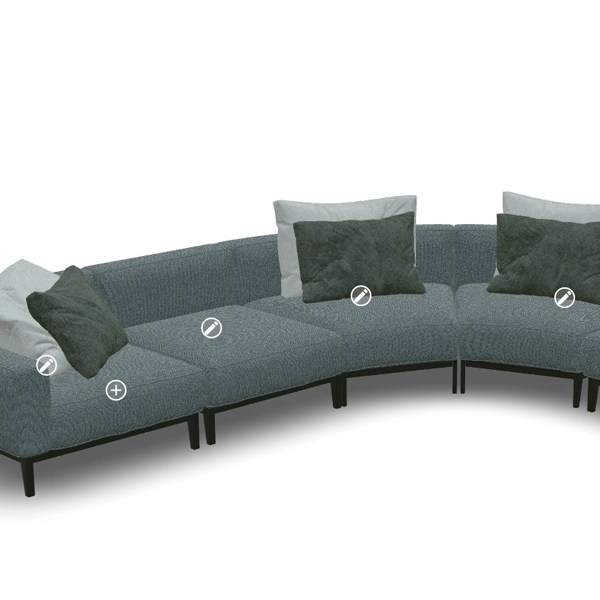
Modular configurator For products built up from separate elements, such as sofas or cabinet systems with expandable modules.
Interactive demo Aimed at sales and trade shows rather than a direct order flow.
Implementation

How the sidebar configurator works

Setting up the sidebar for your webshop takes a few steps, from 3D model to a working integration in your webshop.

1
Supply or have a 3D model designed

Supply an existing 3D model, or have one designed based on a technical drawing, photos, or from scratch.

2
Set up options and groups

In the Vulp CMS, set up options per group, such as shape, edge, tabletop and base, as a dropdown, buttons, sliders or images.

3
One snippet of code in your webshop

Add the configurator with a single snippet of code; the same method works in Shopify or WooCommerce too.

4
Choices back in your order process

Read out which choices a customer makes through the Vulp API, and connect them to your order process or PIM system.

Simple adjustments need no code at all: ?sidebar=right or ?sidebar=left sets which side the sidebar sits on, and colours, camera angle and which buttons are shown work the same way through URL parameters. For deeper custom integrations, for example to feed the configuration into other systems, the full Vulp API is available. Once created, the same 3D model works automatically on web, Android and iOS, including native augmented reality on both mobile platforms, without needing a separate model for each. The 3D content is hosted by Vulp, so the viewer loads quickly and reliably without you managing your own server infrastructure, and you manage the option structure yourself in the CMS, even after launch, without needing a developer. That makes the sidebar just as suited to a single product as to a range that keeps growing after launch.

Suited to complex product ranges

This configurator is built for ranges with many variants. Options are grouped so a large number of choices stays manageable, and the configurator supports multiple languages for international customers, including Dutch, English, German, French, Spanish and Chinese. For colours you can work with standardised systems such as RAL, or with a proprietary colour system that matches your brand, which matters most for manufacturers who need exact colour accuracy.

Option groups 6 languages RAL colours

This setup isn’t limited to furniture: the same principle is also used for machinery with many technical variants, and for products in home and garden with extensive material and colour choices.

Why use Vulp?

  • Product engagement
  • More time on website
  • Improved user experience
  • Less stock needed
  • Personalized products
  • Higher conversion
Solution

From 3D model to marketing content

Content Creator

Automatically generate high-quality product images, videos, and lifestyle visuals from your 3D models. Save time and costs on photography and create unlimited visual content for all your marketing channels.
Vulp Content Creator: automatically generated product images and videos
Industries

Unique solutions across all industries.

Building & Construction – Present projects step by step

Building & Construction

Use interactive AR models and annotations to present construction projects step by step, enhancing visualization and understanding of complex building processes.

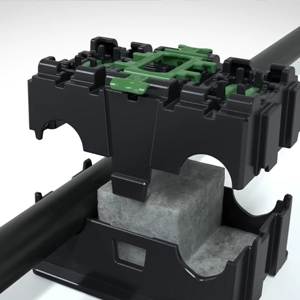
Construction products and systems are technical and project-driven. Vulp helps you present them step by step with interactive 3D, exploded views and AR, so specifiers and customers understand exactly how everything fits together - and choose the right configuration with confidence.

Learn more: Building & Construction
Mobility – Explore vehicles in AR

Mobility

Create an interactive AR presentation showcasing vehicle details and features for a compelling experience.

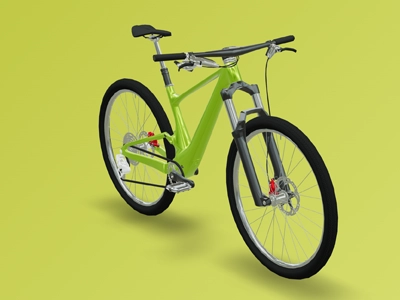
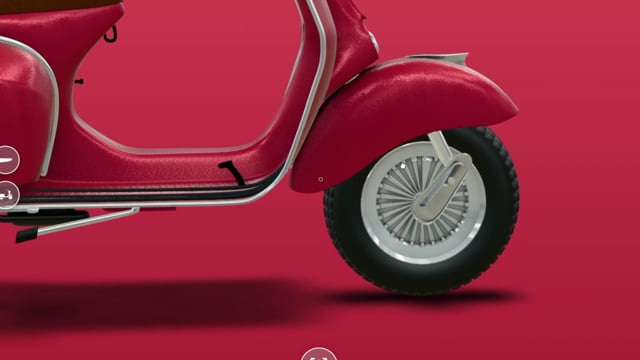
Vehicles are high-involvement purchases where every detail matters. Vulp lets customers explore cars, bikes and mobility products in interactive 3D, customise colours and options, and experience them at real scale with AR - bringing the showroom to wherever your customer is.

Learn more: Mobility
Health & Personal Care – Interactive AR product tours

Health & Personal Care

Present products with detailed AR overviews and interactive explanations for more insight.

In health and personal care, customers value clarity, hygiene and detail. Vulp presents products in interactive 3D with informative hotspots and AR, helping shoppers understand exactly what they are buying - and helping you build trust in a sensitive category.

Learn more: Health & Personal Care
Home & Garden – AR for garden and interior

Home & Garden

Design inspiring AR displays for landscaping and interior design to captivate your customers and bring their visions to life.

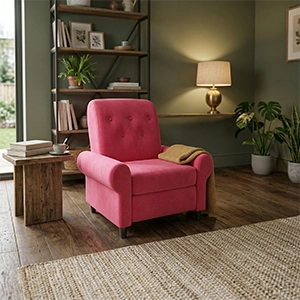

Whether it is an outdoor kitchen or a living-room makeover, customers want to picture products in their own space. Vulp lets shoppers customise, combine and preview home and garden products in interactive 3D and AR - so they fall in love with the result before they order.

Learn more: Home & Garden
Furniture – Place furniture in your room
Machinery – Explain machines in 3D

Machinery

Clarify complex machine functions through engaging animations and interactive 3D instructions.

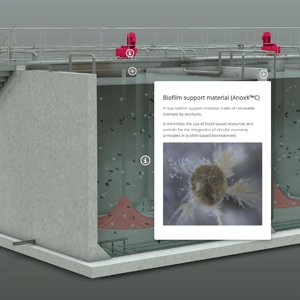
Industrial machines are complex, and explaining how they work is half the sale. Vulp lets you present machinery in interactive 3D, with exploded views and animations that make even the most technical product easy to understand - on any device and without a single line of code on your side.

Learn more: Machinery
Electronics – Showcase features in AR

Electronics

Showcase product features and specifications with immersive AR views and interactive details.

From smart devices to consumer electronics, shoppers want to understand exactly what a product does before they buy. Vulp turns static spec sheets into interactive 3D and AR experiences that explain features, scale and functionality at a glance - reducing uncertainty and support questions while increasing conversion.

Learn more: Electronics
Fashion – Visualize clothing in 3D

Fashion

Create an innovative AR experience that allows customers to visualize clothing in 3D, enhancing their online shopping experience.

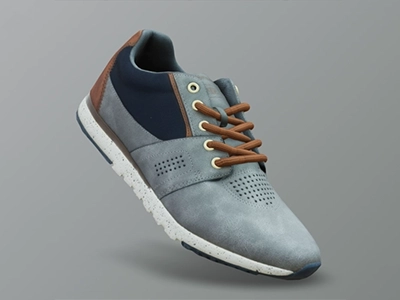
Online fashion lives and dies by how products look and fit. Vulp brings clothing, footwear and accessories to life in interactive 3D, letting customers explore materials, colourways and details from every angle - and generate endless on-brand visuals for your marketing channels.

Learn more: Fashion
Sports & Leisure – Demo sports gear in AR

Sports & Leisure

Enhance product demonstrations with AR tutorials and realistic visualizations for sports equipment.

Sports and leisure shoppers want gear that fits their needs and style. Vulp brings equipment to life in interactive 3D, lets customers customise colours and components, and shows products at real scale with AR - making your product page as engaging as a hands-on demo.

Learn more: Sports & Leisure
Integration

Vulp integrates perfectly into your webshop or website

Always up to date

Your product is stored in one place and available on every website you choose. Updates are applied instantly everywhere, so your product is never out of date.

No coding skills needed

Embedding the Vulp viewer is as easy as embedding a YouTube video. Just copy the code from our code generator and add it to your website or webshop: WooCommerce, Shopify, Magento and more.

Customize Vulp to your liking

Change the style of your viewer so it fits your website, webshop or corporate identity. Change the color of the buttons, hotspots, background etc.

Frequently asked questions

How does the Augmented Reality feature work?

The Augmented Reality feature allows you to view the virtual product in your real environment using your mobile device. By clicking a button, you can see a lifelike preview of the product in your own space, which helps you make a more informed purchase decision. This feature works seamlessly on both iOS and Android devices. Learn more: Augmented Reality

What makes Vulp special?

The development of Vulp, a 3D animation tool, was driven by the growing demand for interactive 3D elements on websites and trade shows. Vulp is built by Foxmountain, the 3D studio behind the platform, known for its expertise in creating beautiful and realistic 3D animations. Utilizing the latest technology in WebXR, Augmented Reality and advanced rendering capabilities, Vulp is not only visually stunning but also sustainable and future-proof. Learn more: Explore Vulp's online 3D product configurator

What does Vulp cost?

The cost of Vulp is divided into two parts: a subscription fee to access Vulp's features and view virtual products on your website, starting at €9.99 per month, and the cost of creating a visually appealing 3D product. This can range from creating a product from scratch, using a technical drawing, or using a 3D scan, starting at around €100 per product. However, it's best to contact Foxmountain, the studio behind Vulp, for a detailed quotation as the cost may vary depending on the product. Learn more: Pricing from €9.99/mo | 3D & AI Content

How can I integrate the Vulp 3D Configurator into my website or webshop?

Integrating the Vulp 3D Configurator into your website or webshop is very simple. It works much like embedding a YouTube video. You just need to copy the code from our code generator and add it to your platform, whether it's WooCommerce, Shopify, Magento, or others. No coding skills are required. Learn more: Quick embedding

Is the Vulp 3D Configurator user-friendly for non-technical users?

Yes, the Vulp 3D Configurator is designed to be user-friendly and intuitive. You don't need any technical skills to use it. The interface is straightforward, and extensive documentation and support are available to help you get the most out of the configurator. Learn more: Documentation

What is the Vulp 3D Configurator and how does it work?

The Vulp 3D Configurator is a tool that allows you to personalize your products with realistic 3D visuals. You can customize colors, materials and various options to create a unique product. It integrates seamlessly into any website or webshop and provides a 360-degree view and augmented reality experience without needing to download an app. Learn more: 3D Product Configurator

Do I need to download an app to use the Vulp 3D Configurator?

No, you don't need to download any app to use the Vulp 3D Configurator. It is a web-based tool that allows you to view and interact with products in 3D directly from your browser. This includes viewing products in Augmented Reality on both iOS and Android devices. Learn more: Augmented Reality

What are the main features of the Vulp 3D Configurator?

The main features of the Vulp 3D Configurator include integrability into any website or webshop, 3D animation and interaction, multilingual support, configurable product variations, customizable colors, augmented reality, no app requirement, full customization options, API availability, realistic materials, shadows, and lighting, textual hotspots, and an intuitive user-friendly interface. Learn more: Features - Learn more about the features of Vulp