







Configurators
3D Sidebar Configurator for Products With Many Options
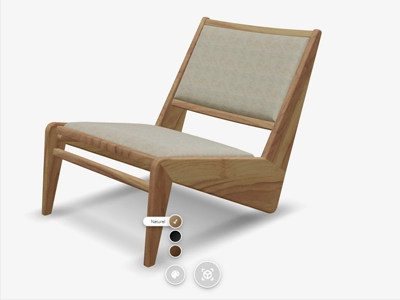
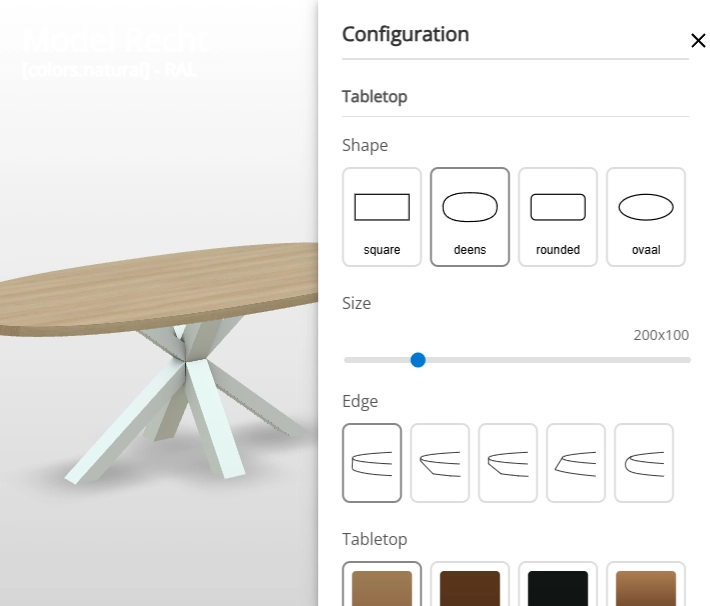
The sidebar configurator allows customers to set all aspects of a product in a clear manner. For example, for a table they can switch between the shape, edge, colour and base - all in one overview. It is the ideal solution for products with a lot of different options.
Live demo
Key features
Everything you get
Multiple ways to show options
The sidebar offers multiple ways to display options, so you can pick whatever suits your product best.
- Dropdown menus
- Buttons
- Sliders
- Images
Live 3D feedback
Every choice a customer makes in the sidebar is instantly reflected on the 3D product, so they always see exactly what they are ordering.
Structured for complex products
Group options into clear categories, so customers can navigate even a large number of choices without feeling overwhelmed.
Products with dozens of possible combinations, such as shape, edge, colour, base and size, are hard to show in a regular webshop. Customers are left guessing which combination is possible, or have to contact customer service to find out. The sidebar configurator puts every choice next to the 3D product, so each combination is visible right away, matching the underlying product configuration itself. Because customers see every option on the 3D product before ordering, there’s less guesswork, and less risk of an order not matching what they expected.
Example: building a dining table
For a table, the sidebar configurator works as a full table configurator. Here is how configuring a dining table with this table configurator works, following the live demo above.
Options in the sidebar
The customer first picks the shape of the tabletop, followed by the edge finish. Next comes the colour of the tabletop and, through a RAL colour picker, the colour of the base. Every choice sits in the sidebar as a separate option, so the customer never loses track between the shape, edge, colour and base options. Because each option has its own place in the sidebar, it stays clear at a glance exactly what’s been chosen, even for a table with dozens of possible variants.
Instantly visible in 3D
Every choice made in the sidebar is applied to the 3D model immediately, without reloading the page, so the customer sees exactly what they are ordering before the configuration is even finished. The result can be viewed in 360 degrees and placed at actual size in the customer’s own space through augmented reality, for example to check whether the table’s size and colour fit the rest of the dining room. Once finished, the configuration can be shared with a single link, so a customer can run the chosen table past a partner before ordering. The same approach is also used in the furniture industry, for cabinets and seating with many variants.
Configurator types
When to choose the sidebar configurator
This configurator is one of four configurator types Vulp offers, and it is the right fit whenever a product has many separate options that a customer needs to compare in one overview. The other three configurator types are built for different situations.
Sidebar configurator
Many separate options in fixed categories, with every choice visible in one overview. Ideal for products such as tables with multiple shape, edge, colour and base options.
Personalization configurator
Puts the focus on the product itself. Customers personalise through hotspots directly on the 3D model, with fewer options than the sidebar.

Modular configurator
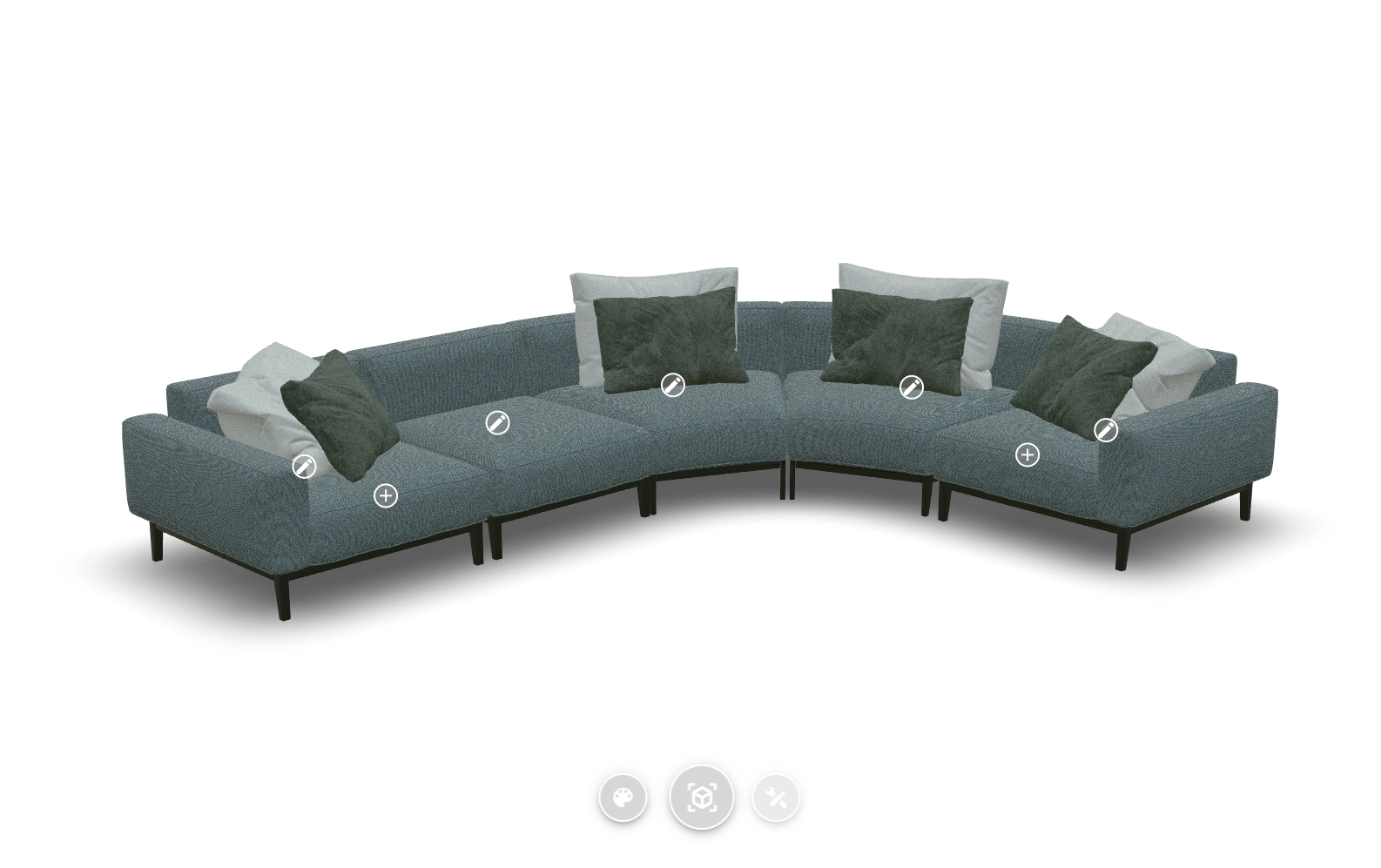
For products built up from separate elements, such as sofas or cabinet systems with expandable modules.
Implementation
How the sidebar configurator works
Setting up the sidebar for your webshop takes a few steps, from 3D model to a working integration in your webshop.
1
Supply or have a 3D model designed
Supply an existing 3D model, or have one designed based on a technical drawing, photos, or from scratch.
2
Set up options and groups

In the Vulp dashboard, set up options per group, such as shape, edge, tabletop and base, as a dropdown, buttons, sliders or images.
3
One snippet of code in your webshop
Add the configurator with a single snippet of code; the same method works in Shopify or WooCommerce too.
4
Choices back in your order process

Read out which choices a customer makes through the Vulp API, and connect them to your order process or PIM system.
Simple adjustments need no code at all: ?sidebar=right or ?sidebar=left sets which side the sidebar sits on, and colours, camera angle and which buttons are shown work the same way through URL parameters. For deeper custom integrations, for example to feed the configuration into other systems, the full Vulp API is available. Once created, the same 3D model works automatically on web, Android and iOS, including native augmented reality on both mobile platforms, without needing a separate model for each. The 3D content is hosted by Vulp, so the viewer loads quickly and reliably without you managing your own server infrastructure, and you manage the option structure yourself in the CMS, even after launch, without needing a developer. That makes the sidebar just as suited to a single product as to a range that keeps growing after launch.
Suited to complex product ranges
This configurator is built for ranges with many variants. Options are grouped so a large number of choices stays manageable, and the configurator supports multiple languages for international customers, including Dutch, English, German, French, Spanish and Chinese. For colours you can work with standardised systems such as RAL, or with a proprietary colour system that matches your brand, which matters most for manufacturers who need exact colour accuracy.
Option groups
6 languages
RAL colours
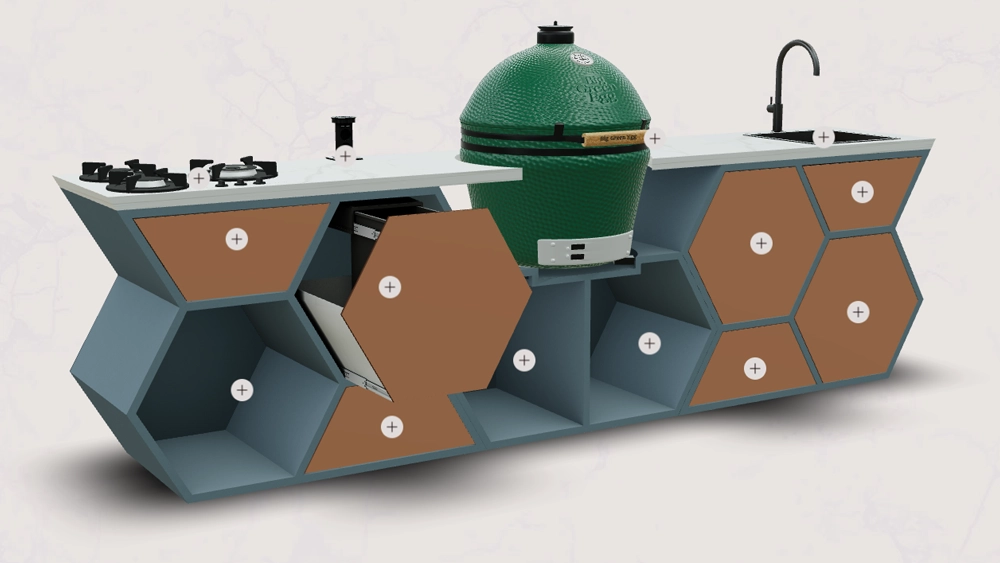
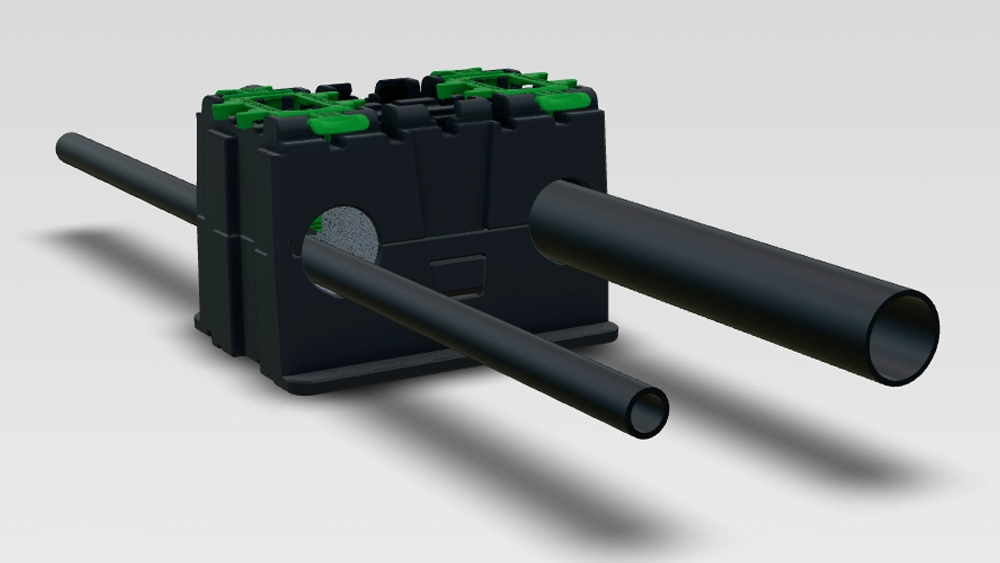
This setup isn’t limited to furniture: the same principle is also used for machinery with many technical variants, and for products in home and garden with extensive material and colour choices.

Frequently asked questions
What ways can the sidebar display product options?
The sidebar configurator can display options as dropdown menus, buttons, sliders or images, whichever suits your product best, giving customers a clear overview of every choice in one place.
Can I have a table configured in 3D on my own website?
Yes. The sidebar configurator is added to your website or webshop with a single snippet of code, similar to embedding a video. The same method works in Shopify or WooCommerce too, and the Vulp API is available for custom integrations.
Learn more: Embed a 3D Viewer With One Line of Code
How many options can the sidebar configurator handle?
The sidebar configurator is built for products with many options. Choices are grouped into clear categories, such as shape, edge, colour and base, so even a large number of options stays manageable. For each group you choose how the options are displayed.
Learn more: Product and Component Variants in One 3D Configurator
Does the sidebar configurator work on mobile?
Yes. The 3D viewer the sidebar is part of is fully responsive and works on smartphone, tablet and desktop. Customers use the sidebar and the 3D product with touch gestures, with no app required.
Learn more: 360-Degree Product View for Your Product Pages
Do I need my own 3D model to get started?
No, that's not required. The 3D model can also be designed for you, based on a technical drawing, photos, or from scratch. If you already have a suitable 3D model, that can be used as well.
Learn more: Pricing from €9.99/mo | 3D & AI Content
Is the sidebar configurator available in multiple languages?
Yes. The Vulp viewer, including the sidebar, supports multiple languages, including Dutch, English, German, French, Spanish and Chinese. All buttons, messages and menu elements switch automatically to the selected language.
Learn more: Run Your 3D Configurator in Multiple Languages
Can I use RAL colours or my own colour system in the sidebar?
Yes. In addition to preset colours, Vulp supports standardised colour systems such as RAL, so you can apply exact, professional-grade colours to individual product parts. A proprietary colour system is possible as well.
Learn more: RAL and Brand Colour Systems in Your 3D Configurator
Can I connect the sidebar configurator to Shopify, WooCommerce or my own system?
Yes, the configurator works through the same snippet of code on any platform, including Shopify and WooCommerce, no dedicated plugin required. For connecting your own systems, the Vulp API is available.
Learn more: Connect Vulp to Shopify, WooCommerce and Magento