








Configurators
Sofa Configurator Software for Manufacturers and Webshops
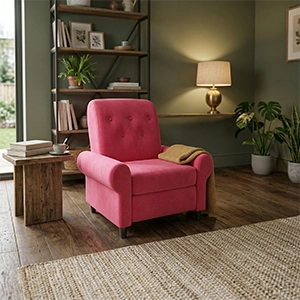
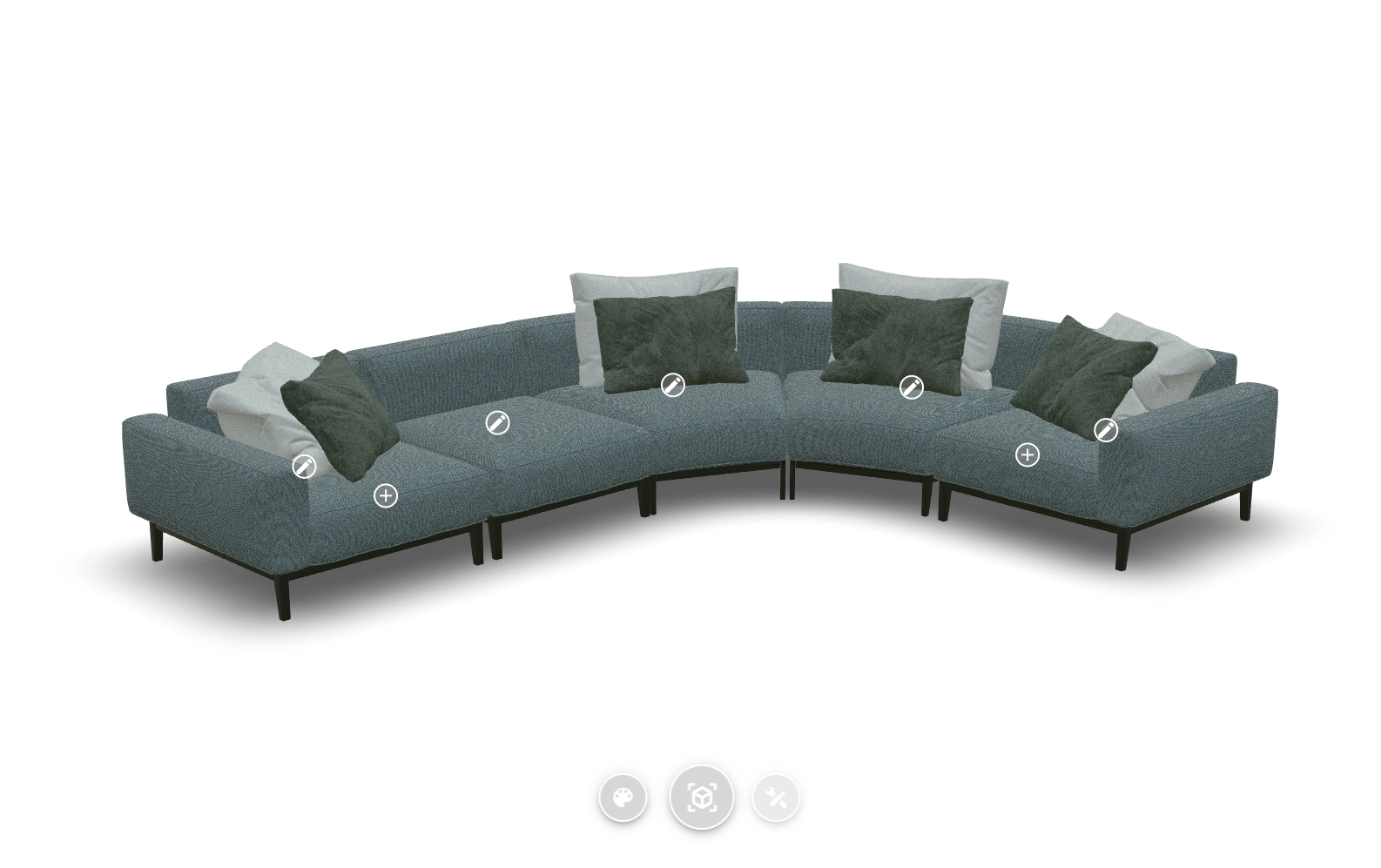
Vulp is building a modular configurator for sofas and cabinets: a way for manufacturers, brands and webshops to let customers build a sofa from modules, fabric and colour in 3D, instead of a page of static photos. It’s based on the same interactive-hotspot technology already proven in Vulp’s modular configurator for other products, applied here to sofas for the first time. We’re looking for manufacturers who want to help shape it. Want to be one of the first, as an early partner? Get in touch through the contact form.
What customers can set
Every option your customers configure
Add modules
You'll be able to build your own sofa from corner elements, different widths and corner types, or add extras such as a footstool.
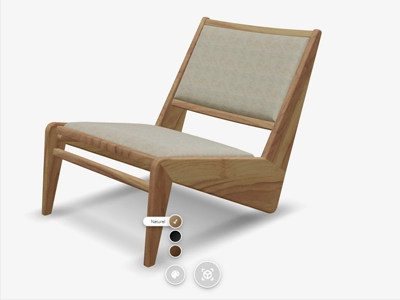
Choose fabric and colour
Customers will choose the upholstery, fabric and colour, including standardised systems such as RAL or your own colour system.

Personalize
Every part will be personalizable separately, so the sofa matches the customer's taste exactly.

Check it fits the room

Customers will be able to view the assembled sofa in 360 degrees and place it at true scale in their own room with Augmented Reality.

Proven results
The numbers behind Vulp and 3D
Our own measurement of the viewer, alongside independent research into what 3D and AR do for online sales.
0.34 s
until the loading screen of the Vulp viewer is on screen, in half of all views, returning visitors included.
Own measurement, Umami
94%
higher conversion for products with 3D or AR content than for products without.
Shopify
74%
of consumers expect augmented reality to become more important in their lives.
Deloitte Digital
360°
rotatable product images produce stronger purchase intention than flat photos.
Journal of Retailing and Consumer Services
How it works
From file to working configurator
1
Supply a 3D model or technical drawing
Send an existing 3D model, a CAD file, or product photos of the modules; we tell you what's needed for your sofa.
2
Set up modules, fabrics and colours

In the Vulp dashboard, group modules, fabrics and colours so customers will be able to build their own sofa.
3
One snippet in your website or webshop
Add the configurator with a single code snippet, the same method for Shopify, WooCommerce, Magento, Wix or a custom build.
4
Read the chosen configuration back (Enterprise plan)

Connect the customer's choice to your order process or PIM through the Vulp API.
Integration
Once live, the configurator will be added the same way as Vulp’s other configurators: a single generic embed snippet, the same method whether your webshop runs on Shopify, WooCommerce, Magento, Wix or a fully custom build, with no platform-specific plugin to install or maintain. See how to integrate the configurator into your webshop for the snippet and API options.
Add it to your website or webshop
Pricing
Pricing follows at launch
The sofa configurator is in development. Once it's live, it's expected to sit on the Premium plan, like the other configurators. Get in touch to stay updated or to help shape it as an early partner.

Frequently asked questions
Can I change the color of a virtual product component?
You can change the color of a virtual product component using our online 3D configurator. This allows you to adjust both the color and the material or texture, such as plastic, wood, or leather, to create a realistic virtual representation of your product.
Learn more: Change Colours and Materials Per Component in 3D
Does the configurator support different materials and textures?
Yes, the configurator supports different materials and textures such as plastic, wood, and leather. This allows you to create a realistic virtual representation of your product with the desired material and texture.
Learn more: Change Colours and Materials Per Component in 3D
What files do I need to supply for the 3D model?
Whatever you already have: an existing 3D model (OBJ/FBX/GLB/glTF/Blender), a CAD export (STEP/STP/IGS), product photos, or a physical sample to scan. There are five routes to a model, and the cheapest is often just what you already have on hand.
Learn more: How to Get a 3D Model of Your Product: Five Routes
What will the sofa configurator cost?
Pricing hasn't been set yet. Once the sofa configurator is live, it's expected to sit on the Premium plan, like Vulp's other configurators. Get in touch to stay updated or to join as an early partner.
Learn more: Pricing from €9.99/mo | 3D & AI Content