








Configurators
3D Product Personalisation Configurator With Live Preview
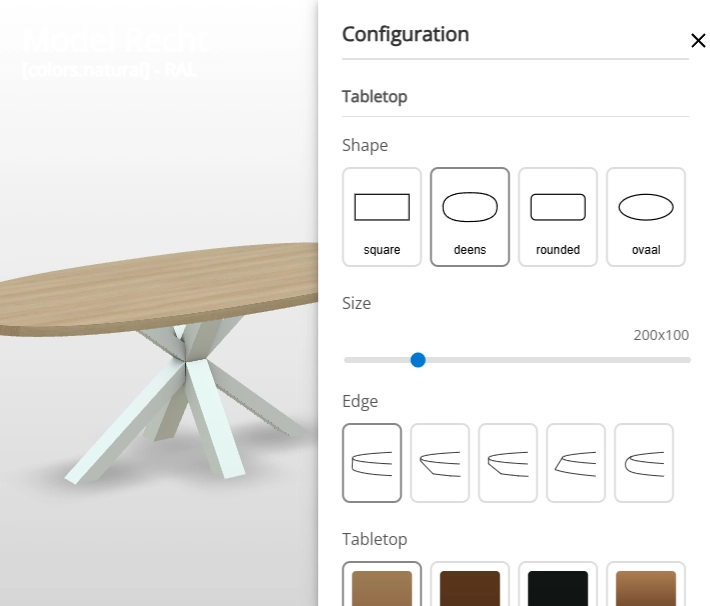
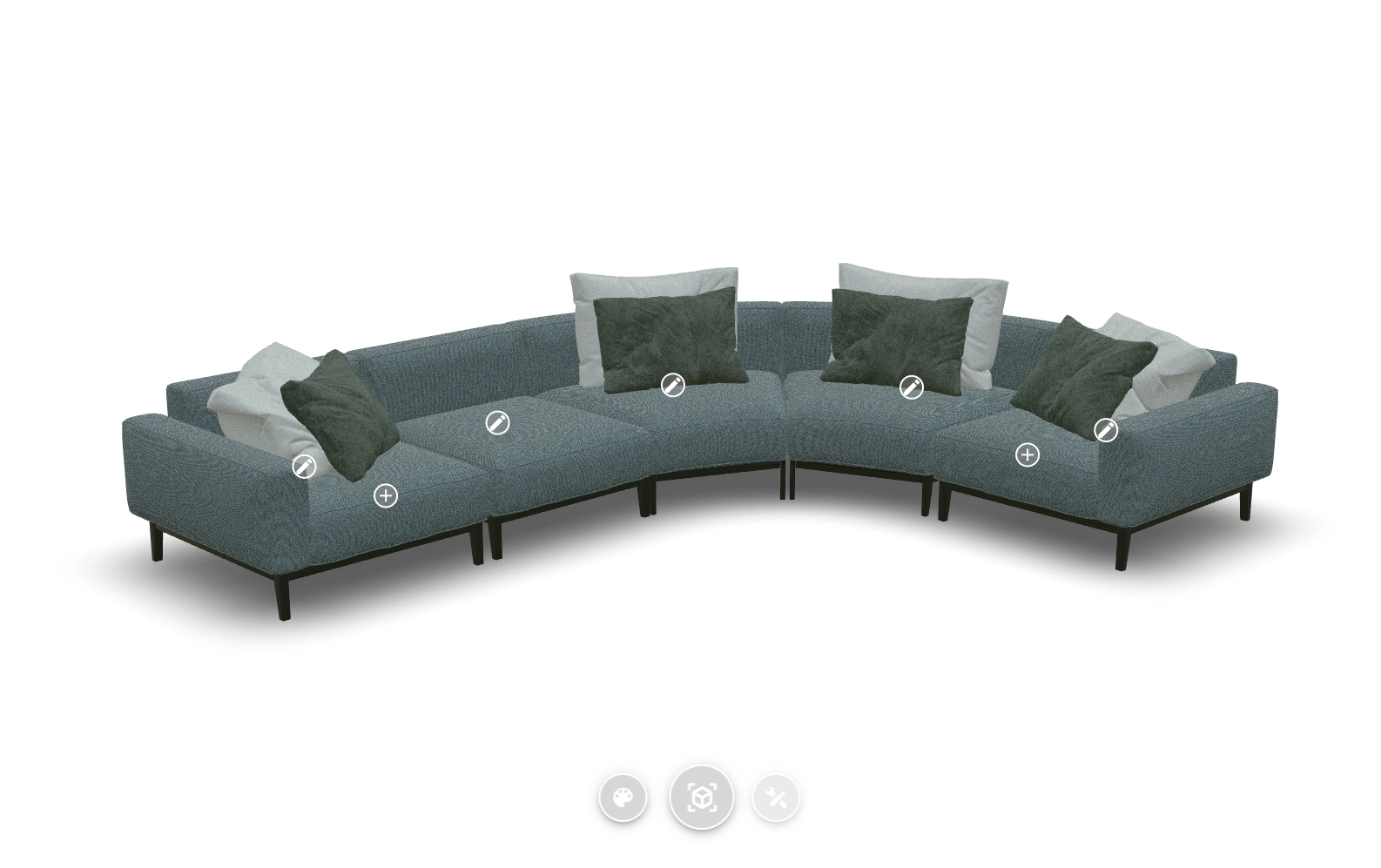
The personalization configurator lets customers personalise product details such as colours, materials and options. This personalisation is primarily driven by interactive hotspots located directly on the 3D product, making it especially powerful when traditional webshop components or sidebars can’t do the job.
Live demo
Key features
Everything you get
Interactive hotspots
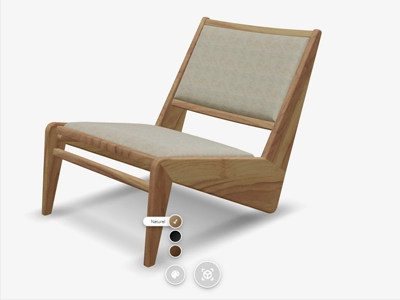
By interacting with these points, customers can directly customise a component, making precise selections for materials and colours. The system uses the Colour and Material System, allowing standardised options like RAL or a proprietary colour system for brand consistency.

Actual size

Once configured, the product offers a complete 360-degree view from every angle. Customers can also activate an extra layer to display the product's dimensions directly in 3D, and use Augmented Reality (AR) on a smartphone or tablet to place the configured product in their own environment at its actual size.


Frequently asked questions
Can I change the color of a virtual product component?
You can change the color of a virtual product component using our online 3D configurator. This allows you to adjust both the color and the material or texture, such as plastic, wood, or leather, to create a realistic virtual representation of your product.
Learn more: Change Colours and Materials Per Component in 3D
Can customers test colors in their own environment?
Yes, customers can test colors in their own environment. Thanks to the countless combination possibilities, customers can view everything in 360 degrees or place it in their own space via Augmented Reality. On Android devices, even further customization of color combinations is possible.
Learn more: Change Colours and Materials Per Component in 3D
Does the configurator support different materials and textures?
Yes, the configurator supports different materials and textures such as plastic, wood, and leather. This allows you to create a realistic virtual representation of your product with the desired material and texture.
Learn more: Change Colours and Materials Per Component in 3D
What are hotspots and how do they work?
Hotspots are interactive points placed directly on the 3D product. Customers click a hotspot to reveal extra information, images or video about a specific feature or component, guiding them through the product's key selling points.
Learn more: Interactive Hotspots That Explain Your Product
Can I customize the look of the hotspots?
Yes, hotspots automatically follow the 3D product as it moves, and you can style their color and appearance using simple parameters, or design fully custom hotspots yourself through the API.
Learn more: Let Customers Configure Straight From the 3D Model