










Configurators
Interactive 3D Product Demos for Trade Shows and Sales
Vulp Studio offers an interactive way to bring products to life. By combining interaction, information and a 3D display, complex processes can be explained easily. It is ideal for trade shows and sales meetings. For machinery and industrial equipment specifically, see the machine configurator page.
Live demo
Key features
Everything you get
Animation and information
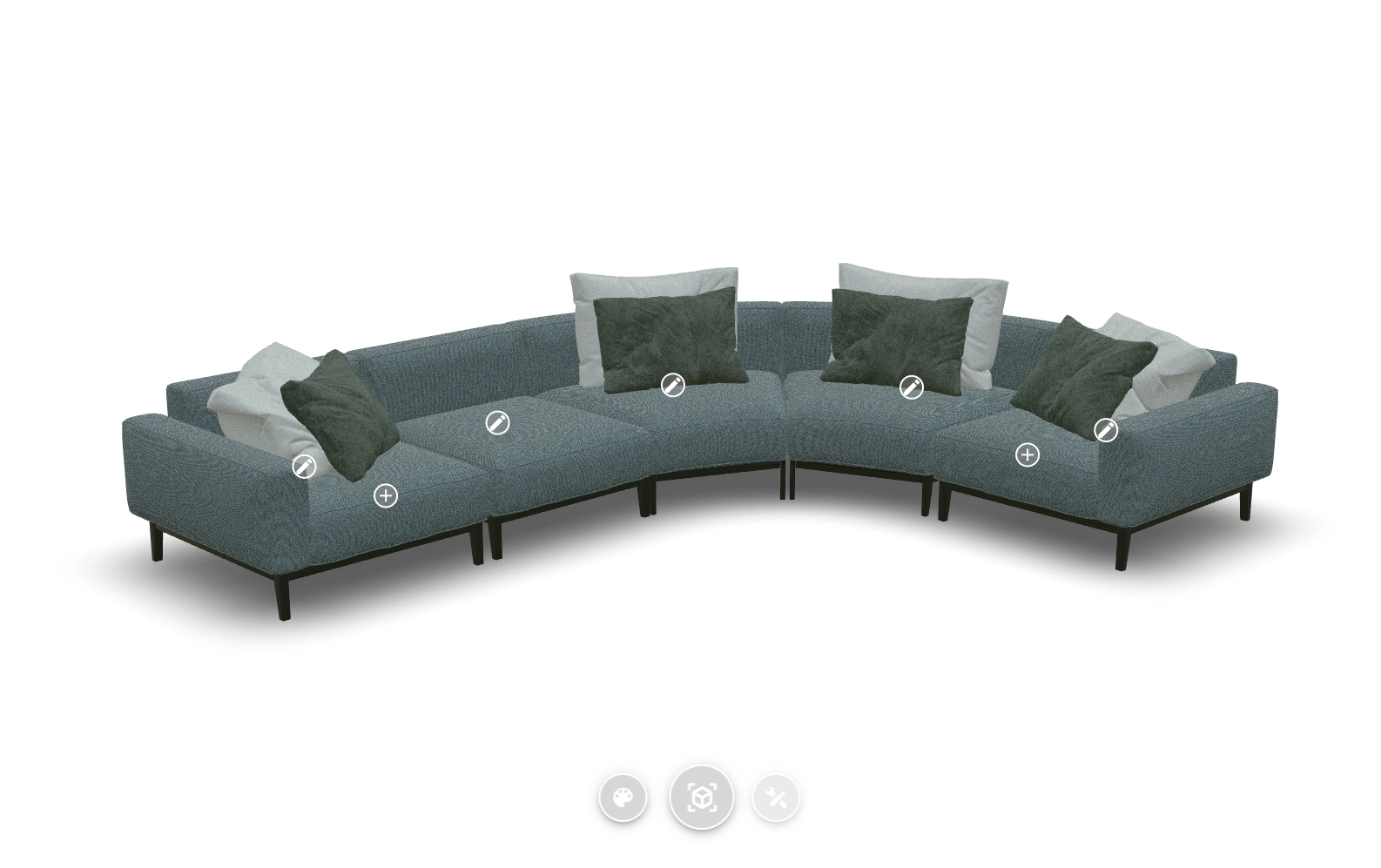
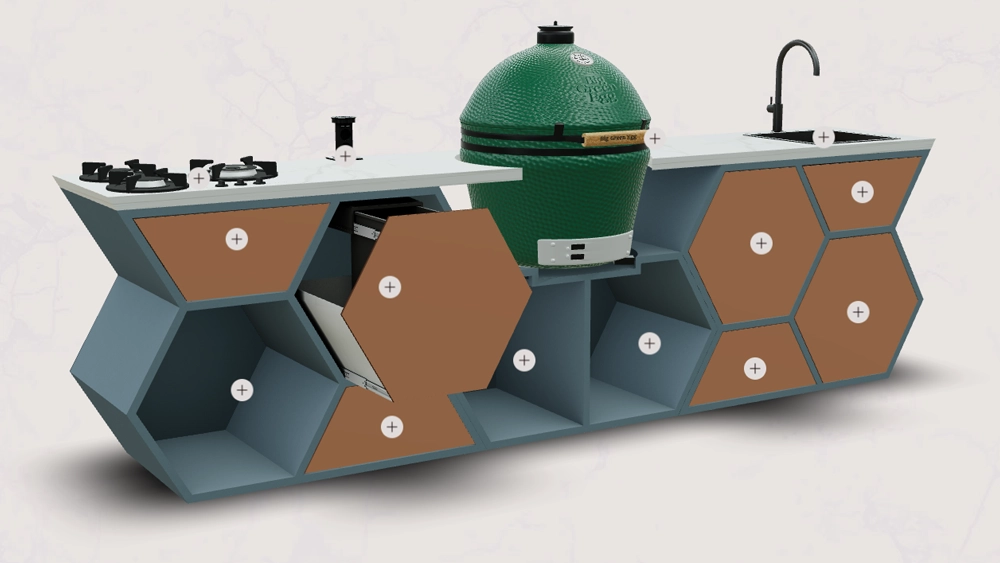
This interactive product demo uses hotspots - interactive points on the product that can trigger an animation to show how a moving component works, or provide detailed information through text, images or video about specific components. The platform can also create moving images of the product to show functionality, controlled via hotspots or set as a continuous animation.

API
Our comprehensive API lets you send and retrieve data to and from the 3D viewer, so your website or external systems (like a webshop or PIM) can fully drive and manage the viewer's configuration. Beyond digital control, in more complex applications the interactive Vulp interface can drive and control a real-life physical model or product.

Frequently asked questions
Is the Vulp 3D Configurator user-friendly for non-technical users?
Yes, the Vulp 3D Configurator is designed to be user-friendly and intuitive. You don't need any technical skills to use it. The interface is straightforward, and extensive documentation and support are available to help you get the most out of the configurator.
Learn more: Documentation, API Reference and Support
What are hotspots and how do they work?
Hotspots are interactive points placed directly on the 3D product. Customers click a hotspot to reveal extra information, images or video about a specific feature or component, guiding them through the product's key selling points.
Learn more: Interactive Hotspots That Explain Your Product
Can hotspots trigger an animation?
Yes, hotspots can be linked to animations, so clicking one shows exactly how a moving component works, for example opening a lid or extending a part, giving customers a clear demonstration of the product's functionality.
Learn more: Exploded Views and Click-to-Play 3D Animations
What can I do with the Vulp API?
The Vulp JavaScript API lets you drive and read the 3D viewer from your own code, so you can build deep, custom integrations, for example syncing product configurations with your webshop, PIM system or even a physical demo model.
Learn more: API Access for Your 3D Product Catalogue
Can the interactive demo control a physical product?
Yes, in more complex applications the interactive Vulp interface can drive and control a real physical model or product, in addition to controlling the digital viewer, making it a powerful tool for trade shows and sales meetings.