










Tutorials: Set Up, Style and Embed Your 3D Configurator
Vulp can be easily integrated into any website or webshop. You can effortlessly add our service by inserting the generated HTML code, the same snippet works on Shopify, WooCommerce, Magento and any other platform. Integrating Vulp is quick and simple, allowing you to immediately benefit from our functionality on any online platform.
HTML iframe
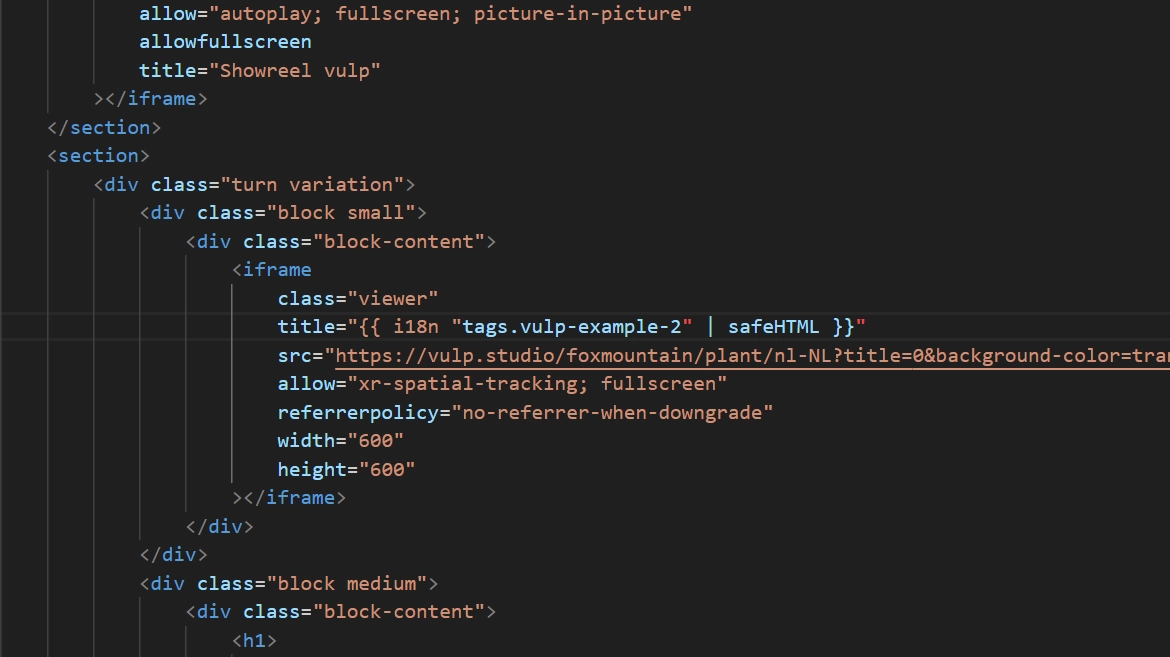
HTML iframe embedding is the process of inserting an HTML iframe element into your web page or webshop to display the Vulp content without hosting all the virtual product files. It allows you to integrate external content seamlessly without users having to leave your site.
Read more...: HTML iframe
WordPress
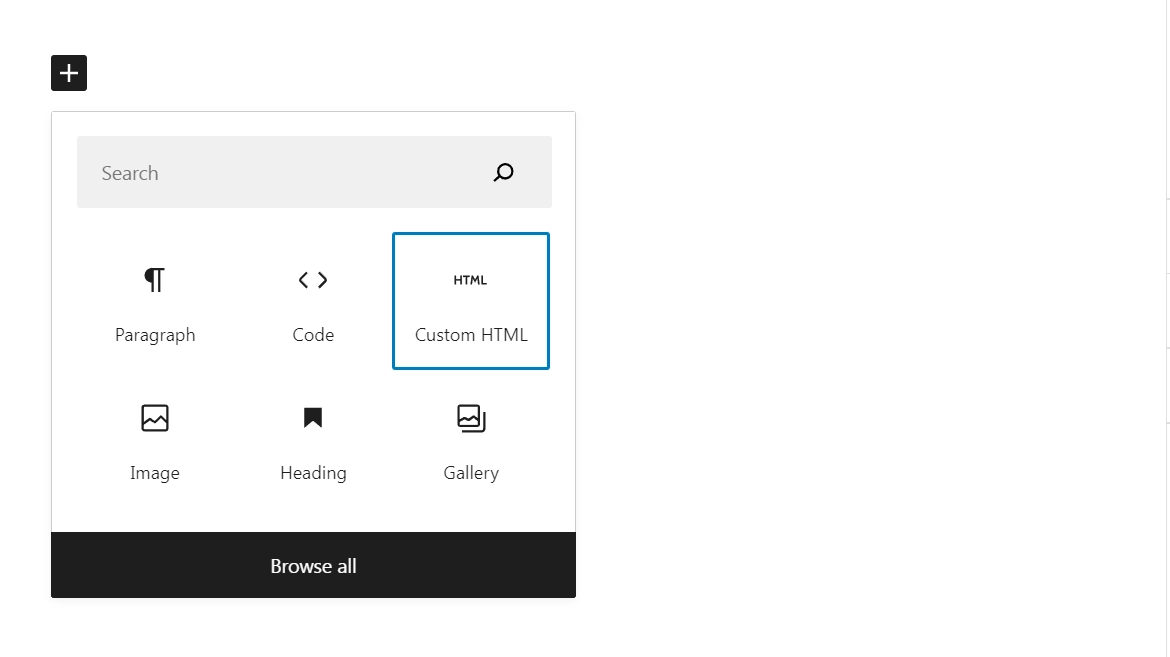
By adding a Custom HTML block to WordPress you can add your own code to a WordPress page. To embed the Vulp Configurator into your page you have to add an HTML iframe element to your WordPress website. Through this option you don’t have to host all the virtual product files. It allows you to integrate external content seamlessly without users having to leave your site, and gives you access to every feature Vulp has to offer.
Read more...: WordPress