





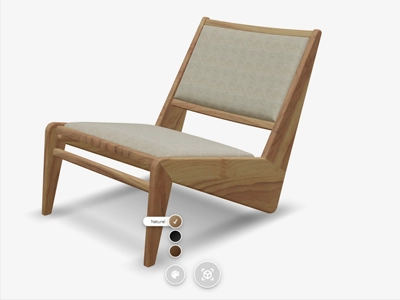


Every new colour, material and variant needs pictures. For the online store, for a campaign, for marketplaces and for social. How do you make sure all those images look the same, without booking a new photoshoot for every variant?
Build once, publish everywhere
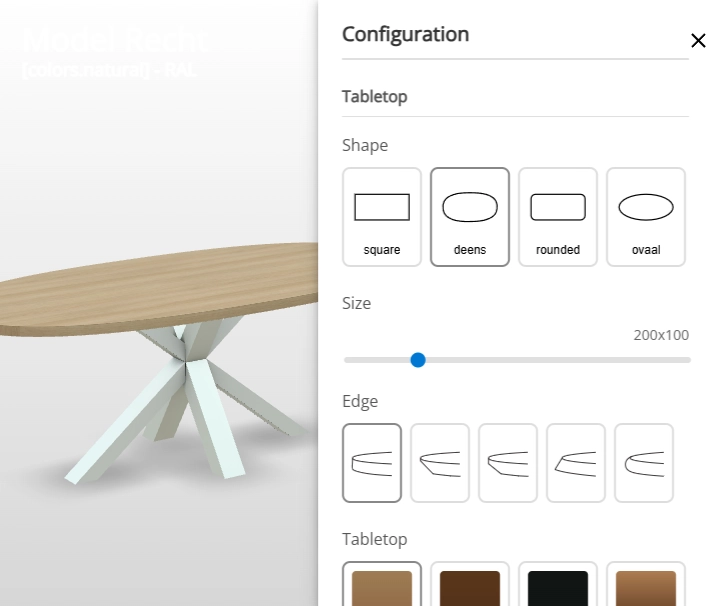
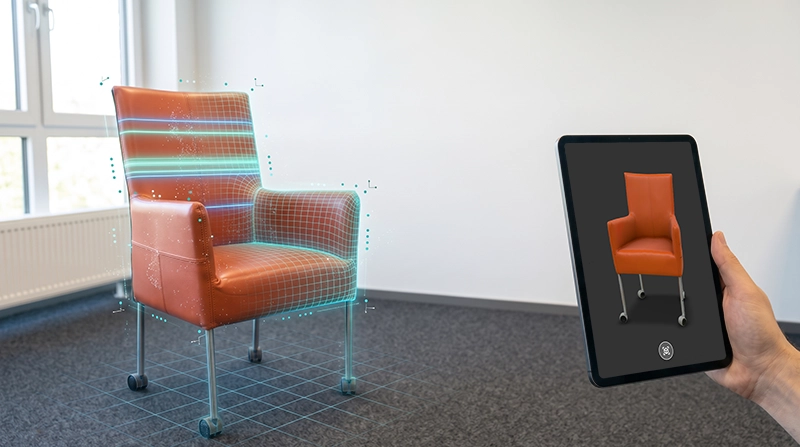
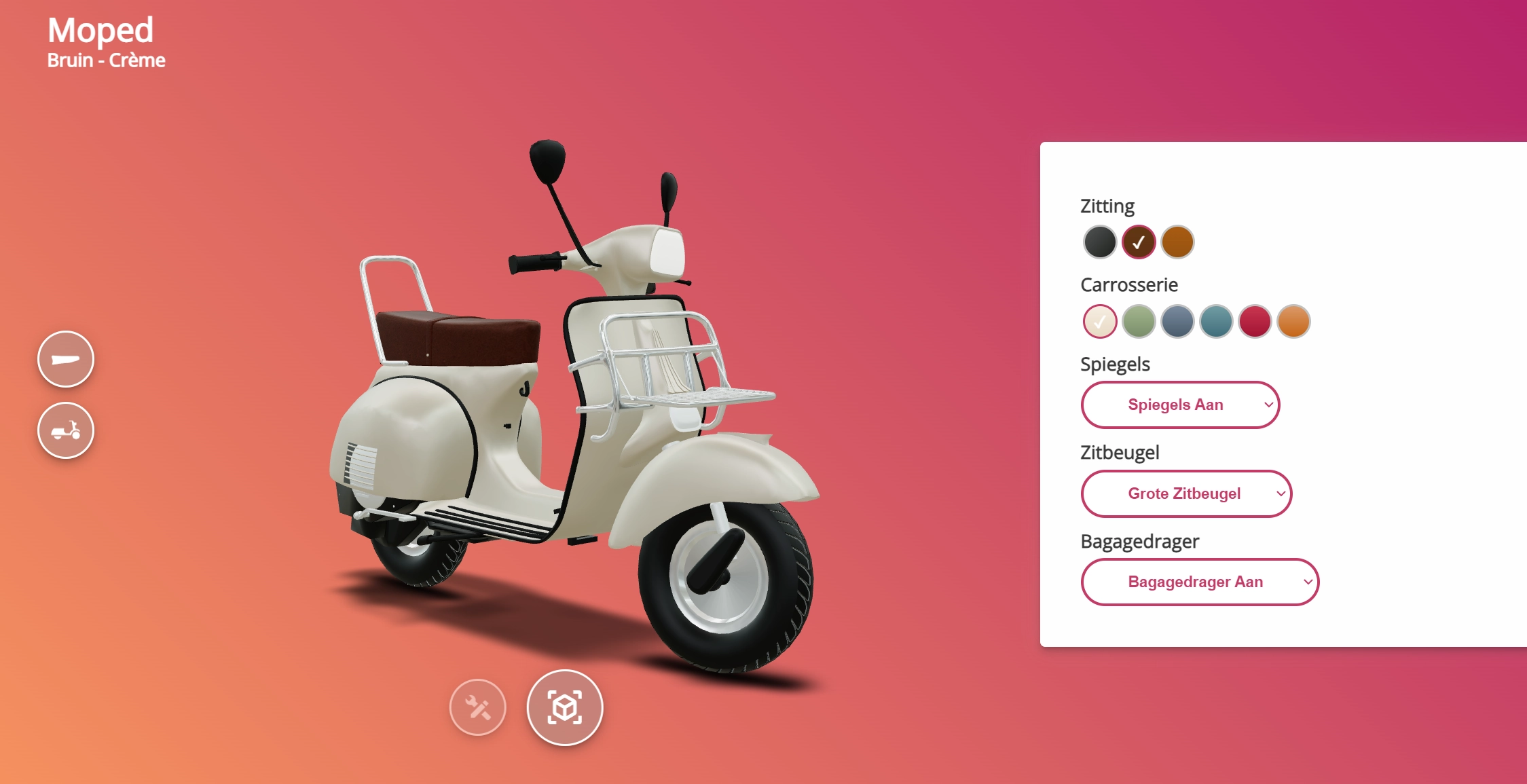
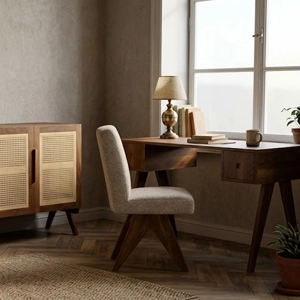
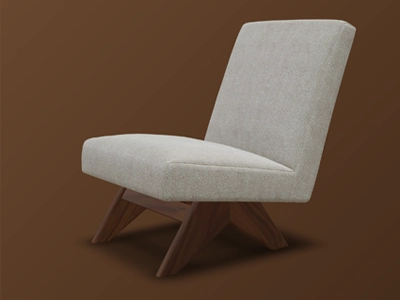
With the Content Creator, you make all your product content from the same 3D model that already powers your configurator. You build the product in 3D once. After that, you make as many images and videos from it as you need:
- Packshots: clean product images for your store and marketplaces.
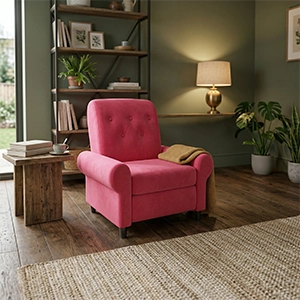
- AI lifestyle images: the product in a styled setting, for campaigns and social.
- Product video: the product in motion, without a film set.
The same angle across the whole catalogue
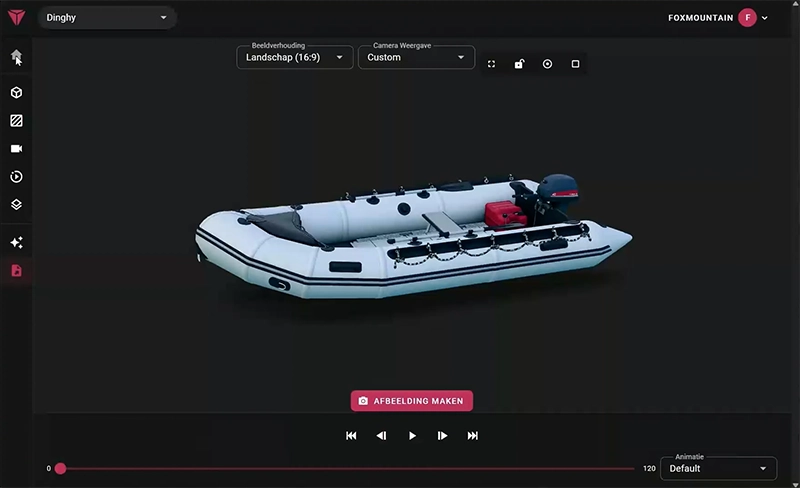
A catalogue only looks polished when every product is shown the same way. In the Content Creator, you set up the camera angles once and apply them to all your products. Lighting and framing stay the same, even when a new collection arrives next year.
Before you export, you pick the colour, the material and the options. That way every image matches the variant the customer sees in your store.
Ready for every channel
Every channel wants a different format. The Content Creator exports in the aspect ratios you need most:
- 1:1 for feed posts
- 4:5 for portrait feeds
- 9:16 for stories and reels
- 16:9 for video platforms and ads
So there is no more cropping by hand, and your images stay consistent across your website, marketplaces and social.
What it gets you
A new variant no longer has to wait for the next photoshoot. As soon as the product exists in 3D, you can make the images. There are no recurring costs for studio time, styling and reshoots, and your whole catalogue keeps the same look.
On the Content Creator page, you can see everything it does at a glance, with a video of the workflow.