








Look & Feel
Skydome Backgrounds for Realistic 3D Product Scenes New
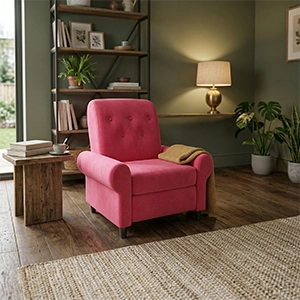

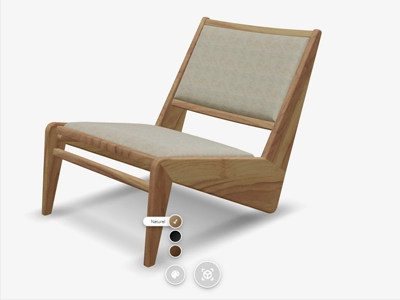
Enhance your 3D product views with realistic skydome backgrounds. Create immersive environments that showcase your products in natural settings, giving customers a better understanding of how items look in real-world contexts.
Availability
Basic
Premium
Enterprise
Live demo
Key features
Everything you get
Lifelike environments
Place your product in a realistic surrounding instead of a plain backdrop.
Realistic backgrounds
Add a skydome image for an immersive, natural setting.

Real-world context
Help customers picture how the product looks in a real space.
Boost confidence
A convincing presentation increases trust and purchase intent.

Availability
Available in your plan
Basic
Included
 Included
Premium
Included
Enterprise
Included
With our online 3D configurator, you can easily add a skydome image to your 3D product view. This allows you to place and view your virtual product in a lifelike environment. By using a skydome background, you give customers a realistic sense of how the product looks in a real space. This creates a convincing visual presentation that enhances the experience and confidence in the virtual product.

Frequently asked questions
Can I adjust the lighting and environment of my 3D product?
Yes, you can change the lighting of your 3D product to set the right mood and highlight specific details, and combine it with realistic environment shadowing so the product looks natural in any setting.
Learn more: Realistic lighting and shadows in 3D
Can I add a custom background scene behind my product?
Yes, Vulp supports skydome backgrounds, so you can place your product in a realistic, immersive environment that helps customers understand how it looks and feels in real-world contexts.