







Look & Feel
Full-Screen 3D Product View on Any Device New
The fullscreen mode optimizes your product viewing experience by utilizing your entire screen space. Toggle between normal and fullscreen views using the dedicated button or ‘F’ key shortcut, perfect for detailed product inspection and professional presentations.
Availability
Basic
Premium
Enterprise
Live demo
Key features
Everything you get
Full-screen viewing
Use the entire screen for maximum product detail.
One click or 'F'
Toggle fullscreen with the button or the F key shortcut.
Distraction-free
Hide surrounding page elements for a clean view.
Great for presenting
Perfect for showing products to customers or colleagues.

Availability
Available in your plan
Basic
Included
 Included
Premium
Included
Enterprise
Included
Gallery
See it in action
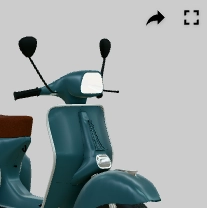
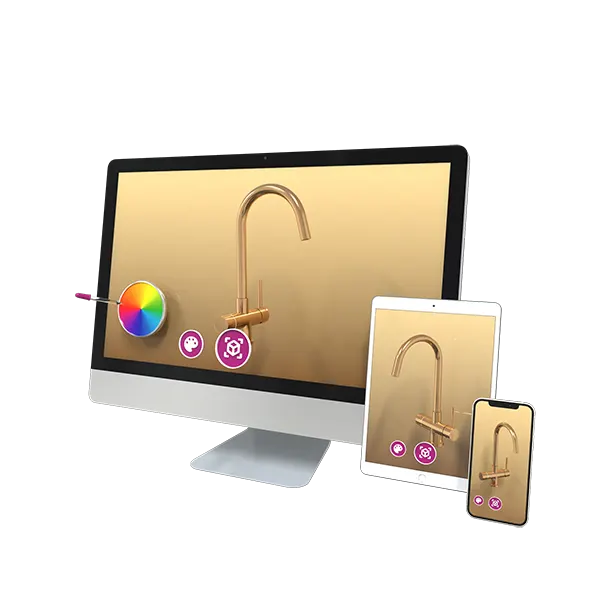
How fullscreen mode works in the Vulp 3D configurator
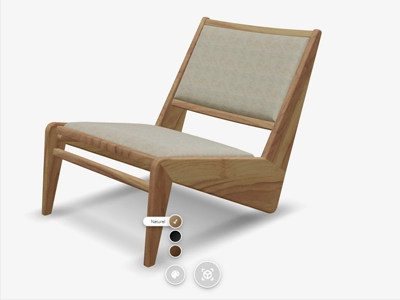
With fullscreen mode in the Vulp 3D configurator, you can view your product at maximum size without distractions from other elements on the page. This is ideal when you want to see every detail of the product or present the design to others.
How to activate fullscreen mode?
In the configurator interface, you’ll find a fullscreen button. Clicking it immediately enlarges the view to your device’s full screen. You can also easily activate fullscreen mode by pressing the F key on your keyboard. This allows you to quickly switch between normal and full screen without using the mouse.
Want to exit fullscreen mode? Simply click the fullscreen button again or press the F key once more. You can also use the Escape key to return to the standard view.
Benefits of fullscreen viewing
- You get a larger and more detailed view of the product.
- The interface is clearer, without distractions from other website elements.
- Perfect for presentations or showing products to customers or colleagues.
- You can optimally use interactive features like rotating and zooming.
With the fullscreen button and F key, viewing 3D products in the Vulp configurator becomes even more immersive and clearer. Experience the 3D display in a way that closely resembles a real product experience.

Frequently asked questions
Can I customize the look and feel of the 3D product viewer on my webshop?
Yes, you can customize the viewer's appearance to match your webshop's branding and design aesthetic for a cohesive customer experience.
Learn more: White-Label 3D Viewer That Matches Your Brand
Does the viewer support full screen mode?
Yes, customers can switch to full screen using the dedicated button or the 'F' key shortcut, making full use of their screen for detailed product inspection or professional presentations.