








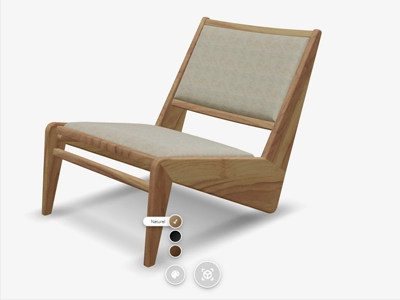



Animation & interaction
Exploded Views and Click-to-Play 3D Animations New
Add animation hotspots to your 3D products to create interactive demonstrations. Guide customers through product features and functionality with engaging animations that show how your products work.
Availability
Enterprise
Live demo
Key features
Everything you get
Click to animate
Customers tap a hotspot to trigger an animation.
Exploded views
Open up products to reveal what's inside.
Show how it works
Demonstrate functionality and moving parts step by step.

Boost understanding
Interactive demos make complex products easy to grasp.

Availability
Available in your plan
Basic
Not included
 Not included
Premium
Not included
Enterprise
Included
 Included
Gallery
See it in action
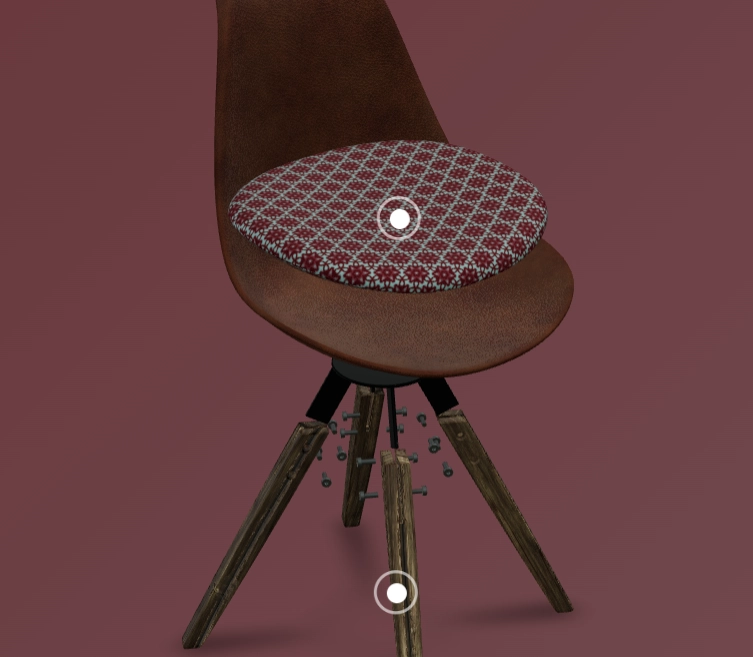
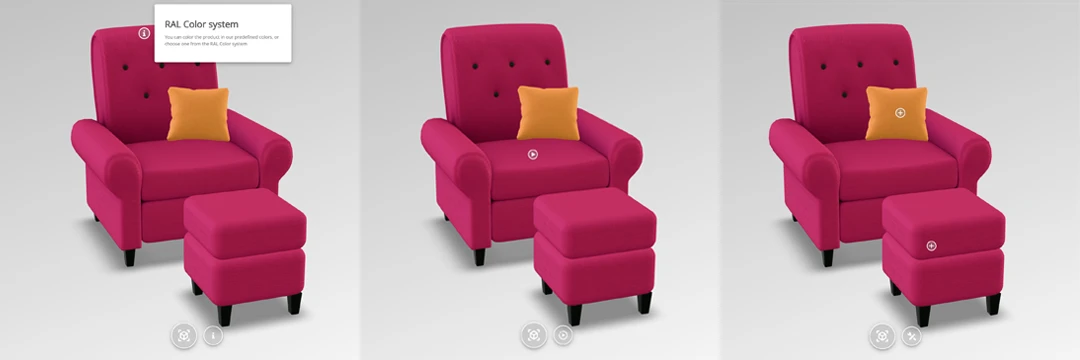
3D animations make it possible to explain everything even better. We offer the ability to add animation hotspots to product visualizations. These interactive hotspots can be clicked to trigger animations, such as opening an object, showing an exploded view, or demonstrating how a device works. Through this visual and interactive presentation, customers can better understand and experience products, enhancing the user experience and facilitating better purchasing decisions.

Frequently asked questions
What are hotspots and how do they work?
Hotspots are interactive points placed directly on the 3D product. Customers click a hotspot to reveal extra information, images or video about a specific feature or component, guiding them through the product's key selling points.
Learn more: Interactive Hotspots That Explain Your Product
Can hotspots trigger an animation?
Yes, hotspots can be linked to animations, so clicking one shows exactly how a moving component works, for example opening a lid or extending a part, giving customers a clear demonstration of the product's functionality.